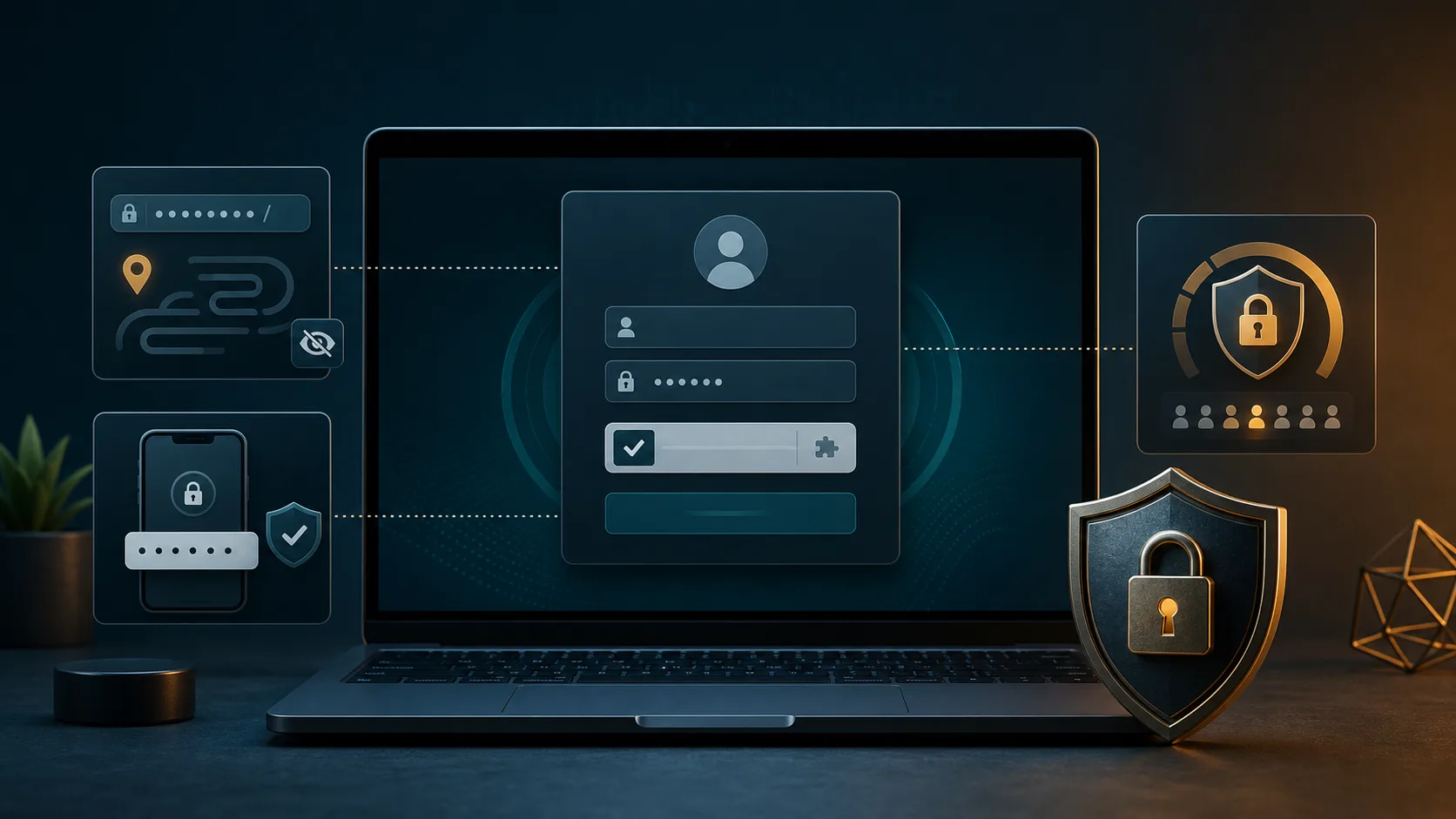
How to Secure WordPress Login Page
Lock down the highest-traffic attack path on most WordPress sites: custom login URLs, two-factor authentication, CAPTCHA, rate limits, and lockout rules that stop bots without locking out real users.
Read the guide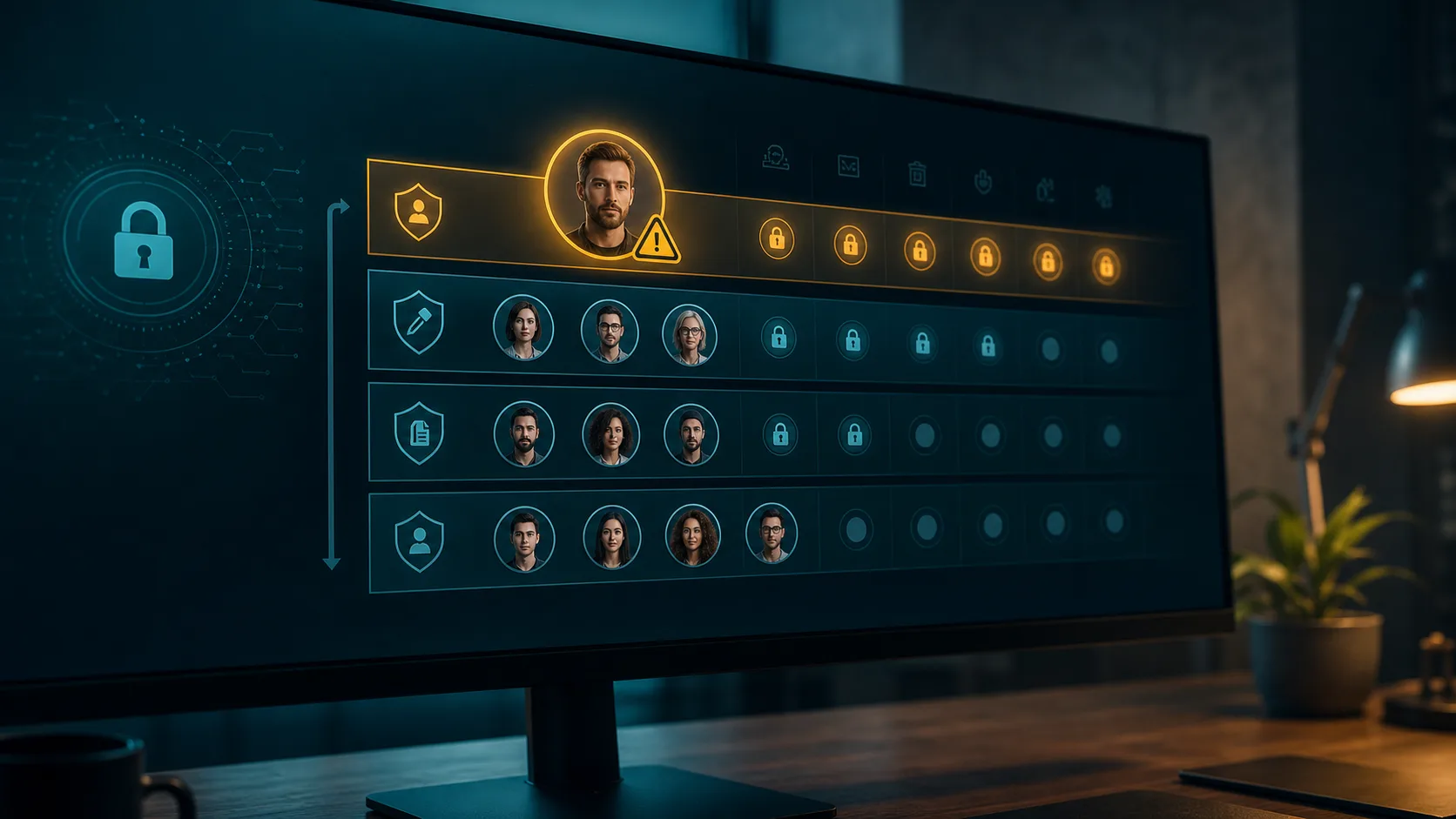
WordPress User Roles and Permissions Security
Most WordPress privilege problems are boring: too many Administrators, stale agency accounts, and plugins that grant broad capabilities. Here is a practical least-privilege audit for real sites.
Read the guide
WordPress Security Checklist 2026
A field-tested WordPress hardening checklist for 2026: updates, users, login security, file permissions, backups, headers, plugin risk, and the checks Lockora can automate.
Read the checklistWhat Is xmlrpc.php and Why You Should Disable It (or Rate-Limit It)
xmlrpc.php is a legacy WordPress endpoint that almost every site still ships with — and almost no site still uses. Here is how attackers abuse it for brute-force amplification and DDoS, and how to shut it down without breaking Jetpack or the mobile app.
Read the guideContact Form 7 Security Vulnerabilities: What Site Owners Need to Know
Contact Form 7 is installed on over five million WordPress sites — which makes its CVE history a top target for opportunistic scanners. We break down CVE-2023-6449 and the recurring vulnerability patterns in CF7, so you know exactly what to check.
Read the guideWordPress wp-config.php Security: The Settings Most Sites Get Wrong
Your wp-config.php is the single most security-critical file on a WordPress site. We walk through the constants, keys, and file-permission settings that we see misconfigured most often in real audits — with copy-pasteable fixes.
Want this checked automatically?
Lockora Audit runs every check in these posts — plus a few hundred more — against your live WordPress site. The audit ships with a plain-English report and a one-click fix for most findings.